Unveiling the True Clover POS Pricing: A Comprehensive Cost Guide

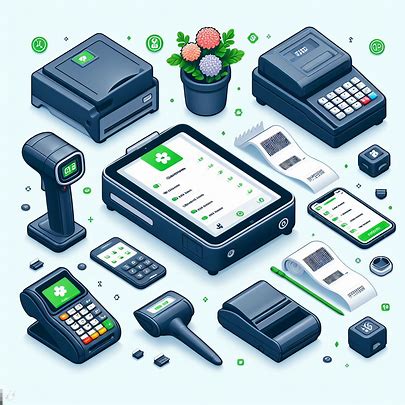
In the ever-evolving landscape of Point of Sale (POS) systems, businesses are actively seeking robust solutions to streamline their operations. Clover, a renowned player in the market, offers a versatile and feature-rich POS system catering to various industries. While the capabilities of the Clover POS system are impressive, it's essential to comprehend the comprehensive Clover POS Pricing structure involved. In this detailed guide, we will explore the intricacies of Clover POS Pricing, covering hardware, software, support, one-time expenses, ongoing costs, and potential hidden charges.   Available Services Retail Options Quick-service Restaurant Features Full-service Restaurant Package One-time Hardware Fee $0 (No hardware required) $799 $799 $1,699 Initial Price $14.95 per month $14.95 per month $54.95 per month $84.95 per month Card Present Processing Fee N/A 2.6% + 10 cents 2.3% + 10 cents 2.3% + 10 cents Online (or Keyed-in) Processing Fee 3.5% + 10 cents 3.5% + 10 cents 3.5% + 10 cents 3.5% + 10 cents Recurring Payments Yes Yes Yes No Inventory Management Yes Yes Yes - Menu management Yes - Menu management [...]

Clover Compatible Hardware: A Comprehensive Guide for Seamless Point of Sale Operations

Introduction: In the dynamic world of point-of-sale (POS) systems, choosing the right hardware is crucial for a seamless and efficient operation. Clover, a leading POS software provider, offers a range of devices tailored for various industries, ensuring a tailored merchant experience. In this detailed guide, we explore the diverse Clover devices available in the United States, Canada, Europe, and Latin America, focusing on their specifications, features, and compatibility. Clover Compatible Hardware Device Overview: Clover's POS software operates on custom hardware designed to enhance the merchant experience. The Clover App Market allows developers to publish apps, creating a versatile ecosystem. Notably, Clover devices are not Google Play certified and do not come with Google Play Services, ensuring a secure and optimized environment. Clover Compatible Hardware Devices and Supported Regions: The following table outlines the Clover devices, their Clover-hardened Android versions, and the regions where they are available: Clover Device Clover-hardened Android Version US CA UK/IE DE/AT/NL AR Station Solo AOSP 10.0 (API Level 29, Q) ✔ Station Solo (Intl) AOSP 10.0 (API Level 29, Q) ✔ [...]

Troubleshooting POS receipt printer problems: Common Errors and Solutions

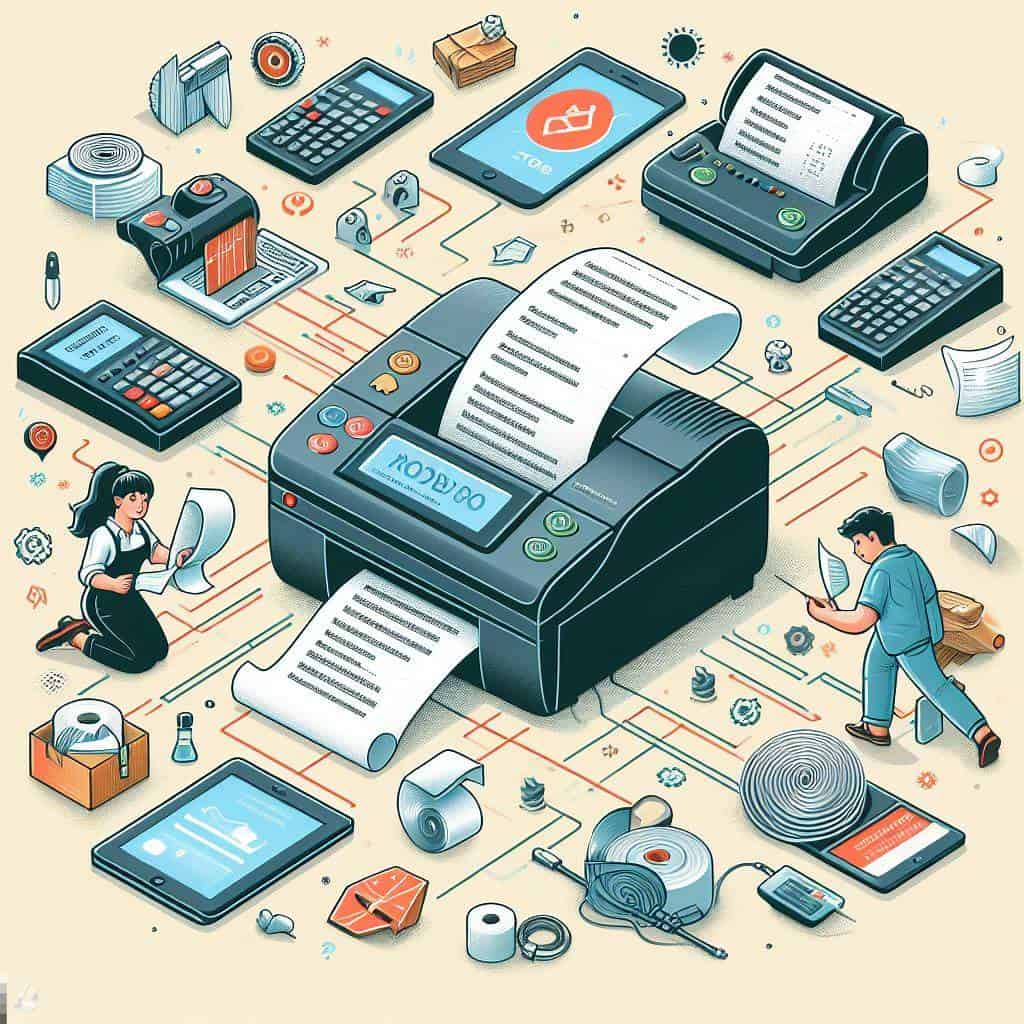
In the dynamic realm of retail, Point of Sale (POS) systems serve as the heartbeat of transactions, enhancing customer experiences and streamlining operations. Yet, the linchpin to this efficiency is often the POS receipt printer, and understanding and resolving common POS receipt printer problems is paramount to uninterrupted business flow. Paper Jams Paper jams are the arch-nemesis of a smooth checkout process, capable of causing frustration and delays. To address this pervasive issue: Turn off the printer: Before attempting to clear a paper jam, ensure the safety of the process by turning off the printer. Open the printer cover: Delicately open the printer cover to gain access to the paper path. Remove the jammed paper: With care, extract the jammed paper in the direction of the paper path. Reload the paper: Prevent future jams by ensuring the paper is correctly loaded, avoiding overloading the paper tray. This meticulous approach ensures not only the resolution of the immediate problem but also preventative measures to enhance the longevity of your POS receipt printer. Poor Print Quality Faded [...]

Unveiling the Secrets Behind Our Free POS Software

Unveiling the Secrets Behind Our Free POS Software with No Monthly Fees In the ever-evolving landscape of business technology, finding a reliable and feature-rich Point of Sale (POS) software without the burden of monthly fees can be a rare gem. At Alexandria Point Of Sale, we understand the importance of empowering businesses without adding financial strain. In this article, we'll unravel the mystery behind our commitment to offering a FREE POS software with no monthly fees and shed light on the sustainable model that makes it possible. Our Philosophy: Providing Value Without Strings Attached At the core of our ethos is the belief that technology should be an enabler, not a financial hindrance. We've designed our POS software to be completely free, devoid of any hidden fees, tricks, or gimmicks. Our goal is to offer a valuable service to businesses, fostering growth without the worry of escalating costs. The Revenue Model: A Win-Win Partnership To sustain our operations while keeping the software free for users, we've adopted a revenue model that aligns with our commitment [...]

Troubleshooting Guide for Clover POS Software: Resolving Common API, Device, and Cloud Connection Issues

Explore our comprehensive troubleshooting guide for Clover POS software, designed to help you address a myriad of issues encountered in API transactions, device connectivity, and cloud communication. From common API errors to device conflicts and connection interruptions, this guide provides detailed solutions to ensure a seamless experience with Clover POS. Table of Contents: Common API Errors: Understanding and Resolving API-only Errors Handling Conflicting Requests and JSON Responses Device Connectivity Issues: Recognizing and Overcoming Device Connection Interruptions Navigating Conflicting Requests during Transaction Processing Cloud Connection Challenges: Resolving Cloud Pay Display Errors and Unreachable Device Issues Authentication Token Problems: Troubleshooting Unauthorized Requests and Invalid Auth Tokens General Server Responses: Deciphering Server Responses: From Success to Unknown Errors 1. incorrect_cvc Error: Description: The "incorrect_cvc" error occurs when the card.cvv provided is not a three- or four-digit value. Request type(s): Create token. Prevention: Verify that the CVV value is a three- or four-digit number. Solution: Double-check the CVV value entered during token creation. Ensure that the CVV is a three- or four-digit number. Retry the token creation process after [...]

Exploring Square POS Alternatives: Finding the Right Fit for Your Business

In the fast-paced world of business, having an efficient and reliable Point of Sale (POS) system is paramount. While Square has gained immense popularity for its user-friendly interface and diverse features, it's essential for businesses to explore alternative POS solutions to ensure they find the right fit for their unique needs. This article delves into the realm of Square POS alternatives, highlighting key players in the industry and providing insights into the features, pricing, and suitability for various business types. The Landscape of POS Systems: 1. Lightspeed POS: Lightspeed is a robust POS system that caters to a variety of industries, including retail and hospitality. Known for its inventory management capabilities, Lightspeed offers in-depth analytics and reporting tools, making it a suitable alternative for businesses looking for comprehensive insights. Features: Advanced Inventory Management Robust Analytics and Reporting Multi-location Support Pricing: Lightspeed offers tiered pricing plans based on business needs and size. 2. Shopify POS: Shopify, primarily known for its e-commerce platform, also provides a powerful POS system. It seamlessly integrates with its online store, making [...]

A Comprehensive Guide to Square compatible Hardware Devices

In the ever-evolving landscape of point-of-sale (POS) systems, Square has become synonymous with user-friendly solutions. One key aspect contributing to the popularity of Square POS is its compatibility with various hardware devices. In this comprehensive guide, we delve into the world of Square compatible Hardware devices, focusing on iPads, printers, cash drawers, scanners, and card machines. Understanding the intricacies of compatibility ensures seamless integration and optimal performance for businesses of all sizes. Square for Retail by Device: Square for Retail extends beyond hardware compatibility, offering a robust set of features to streamline sales, purchase orders, vendor management, and inventory tracking across various devices. Square Retail App on iPad, iPhone, Square Terminal, or Square Register: If you are using the Square Retail app on an iPad, iPhone, Square Terminal, or Square Register, you’ll have access to both the in-app features and a full suite of features on your Square Dashboard. Note: The Square Retail App is supported on iPads and iPhones running iOS 14 or higher, Square Terminal, and Square Register. Features by Device: Square Retail [...]

Decoding Square Retail POS System Cost and Pricing: A Comprehensive Guide

Introduction: In the dynamic realm of point of sale (POS) systems, Square has emerged as a prominent player, offering versatile solutions catering to various business domains. Understanding the intricacies of Square POS Pricing is crucial for businesses contemplating its adoption. This article provides a comprehensive exploration of Square POS System costs, encompassing hardware, software, support, one-time expenses, ongoing charges, and potential hidden costs. Payment Processing Model: Square adopts a transparent flat-rate payment processing model, simplifying transactions for businesses. The following outlines the payment processing fees associated with Square's POS system: In-person transactions: 2.6% plus 10 cents (Free plan) or 2.5% plus 10 cents (Plus plan). Online transactions: 2.9% plus 30 cents. Manually keyed transactions or card-on-file invoices: 3.5% plus 15 cents. Hardware Cost: Square offers a range of hardware options to complement its POS software. The hardware cost can vary based on the business requirements. Common hardware components include: Square Terminal: A standalone device for credit card transactions. Square Register: An all-in-one POS system with built-in hardware. Card Readers: Compatible with smartphones and tablets, enabling [...]

Troubleshooting Lightspeed Retail POS Software: Common Errors and Solutions

Common Errors and Solutions In the realm of retail, efficient inventory management is paramount. However, encountering errors with your Lightspeed Retail POS software can disrupt operations. This comprehensive guide aims to address some of the most common issues faced by Lightspeed users and provide step-by-step solutions to ensure a smooth retail experience. Troubleshooting Lightspeed Retail POS Inventory Item Issues: 1. Stuck at 0 Quantity: If you find that an item's quantity is stuck at 0, it may be due to disabled inventory tracking. To resolve this issue, navigate to the Item List, select the desired item, and toggle on 'Track Quantity on Hand' for basic items or 'Track Inventory' for items with variants. Save your changes and adjust the item's quantity to the correct amount. For bulk updates, refer to the 'Update Inventory' article. 2. Negative Quantity: Correct negative quantities by adjusting the item's quantity to the accurate number. To prevent future issues, make sure to receive the item when restocking. 3. New Item Not Visible: If a new item doesn’t appear on the register, [...]

Maximizing Business Potential: Integrating POS Software with Dynamics 365 for Streamlined Operations

If your business is looking to streamline its business operations, Dynamics 365 implementation or Dynamics 365 POS Integration, can play a vital role in achieving this endeavor. Think of a world where POS software and Dynamics 365 for Retail forge a partnership that changes how businesses function. In the forthcoming section of this write-up, we will look closely at this partnership. In addition to this, we will also take a look at the way combining these cutting-edge tools can positively shake up your business. This results in making your business more successful, wise, and forward-thinking. Thus aiding your business to reach the top of the pinnacle. Understanding Dynamics 365 and Its Role in Business Overview of Dynamics 365 If you wish to transform your business functions, it is time to utilize Dynamics 365. The good thing about Dynamics 365 is that it combines ERP, CRM, and additional apps into a single seamless platform. This results in streamlining intricate tasks. With the help of this integration, businesses can seamlessly work on Dynamics 365 implementation. This results [...]

Go to Top